- Install
- Basic operation
- Programming with blocks
- Run and stop the program
- Save and open program
- Basics of programming for electronic work
- Basics of programming for Excel
- Machine learning with scikit-learn
- Visualizing data with matplotlib
- Web programming
- RPA programming
- Miscellaneous programming
- Reference
Run and stop the program
Run the program
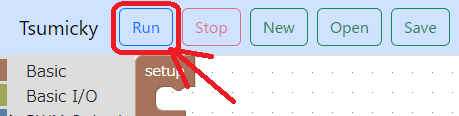
To run the program, click the "Run" button in the menu bar.
In Tsumicky for electronic work, the blocks in the "Initialize" part of the workspace are executed first, and then the blocks in the "Repeat" part are repeatedly executed.
Tsumicky for Excel executes blocks in the "Processing" part of the workspace.
Stop the program
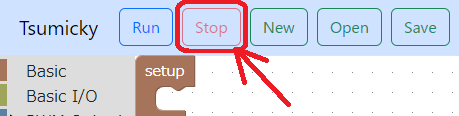
To stop the program, click the "Stop" button in the menu bar.
In Tsumicky for electronics work, the program ends after the block in the "at exit" part of the workspace is executed.
Tsumicky for Excel will terminate the program immediately.