- Install
- Basic operation
- Programming with blocks
- Run and stop the program
- Save and open program
- Basics of programming for electronic work
- Basics of programming for Excel
- Machine learning with scikit-learn
- Visualizing data with matplotlib
- Web programming
- RPA programming
- Miscellaneous programming
- Reference
Save and open program
You can save programs created with Tsumikky to a file, or load and open programs from a file.
Save program
To save the program you created, click the "Save" button.
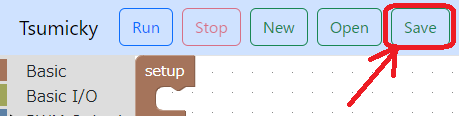
In typical web browser settings, the file is saved in the "Downloads" folder and has the file name "tsumicky.json."
If you save multiple files, the file names will be numbered, such as "tsumikky(1).json".
If this continues, it will be difficult to tell what program each file belongs to.
I recommend that you rename the file or move it to another folder after saving it.
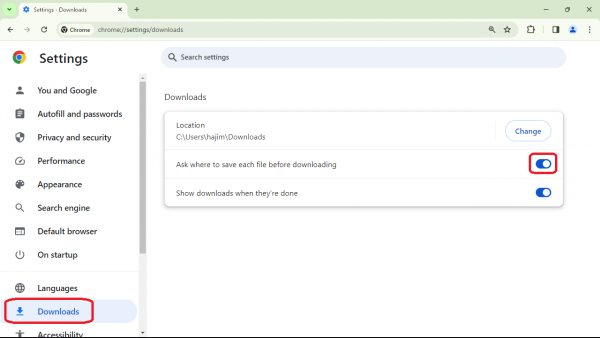
It is also useful to configure your web browser to open a dialog box for setting the file name and save location when downloading.
For example, in Google Chrome, turn on "Ask where to save each file before downloading" under ``Downloads'' on the settings screen.
Open program
To open the program from a file, click the "Open" button.
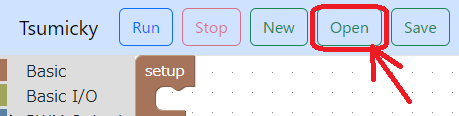
A file selection dialog box will open, so select and open the saved file.
Create new file
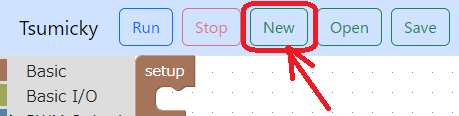
If you want to create a new file and start a program without any blocks, click the "New" button.